Before You Start
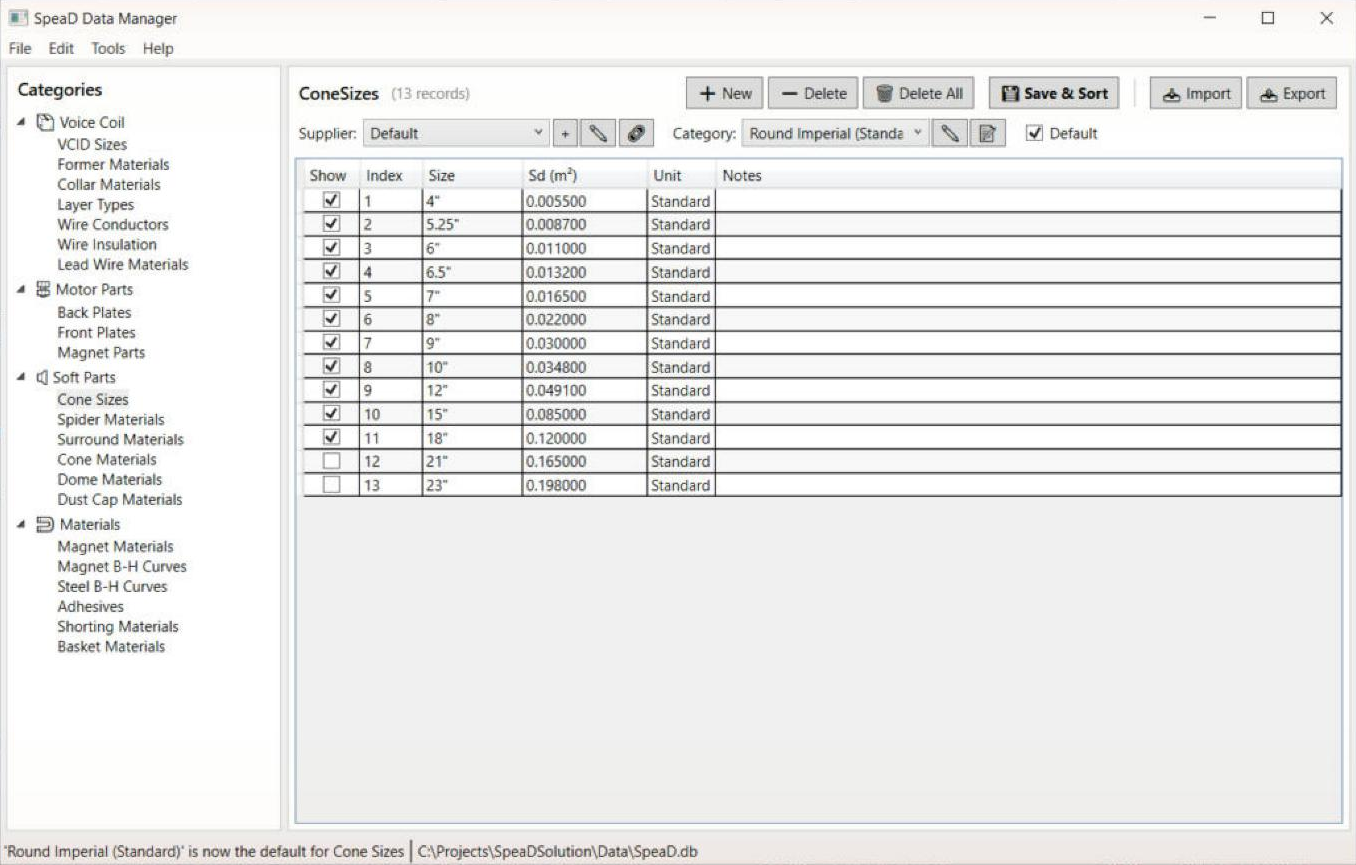
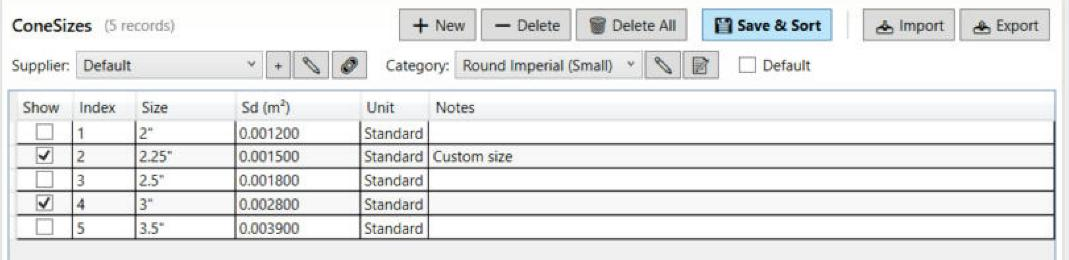
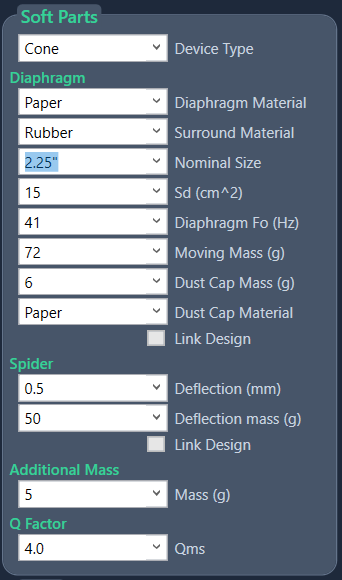
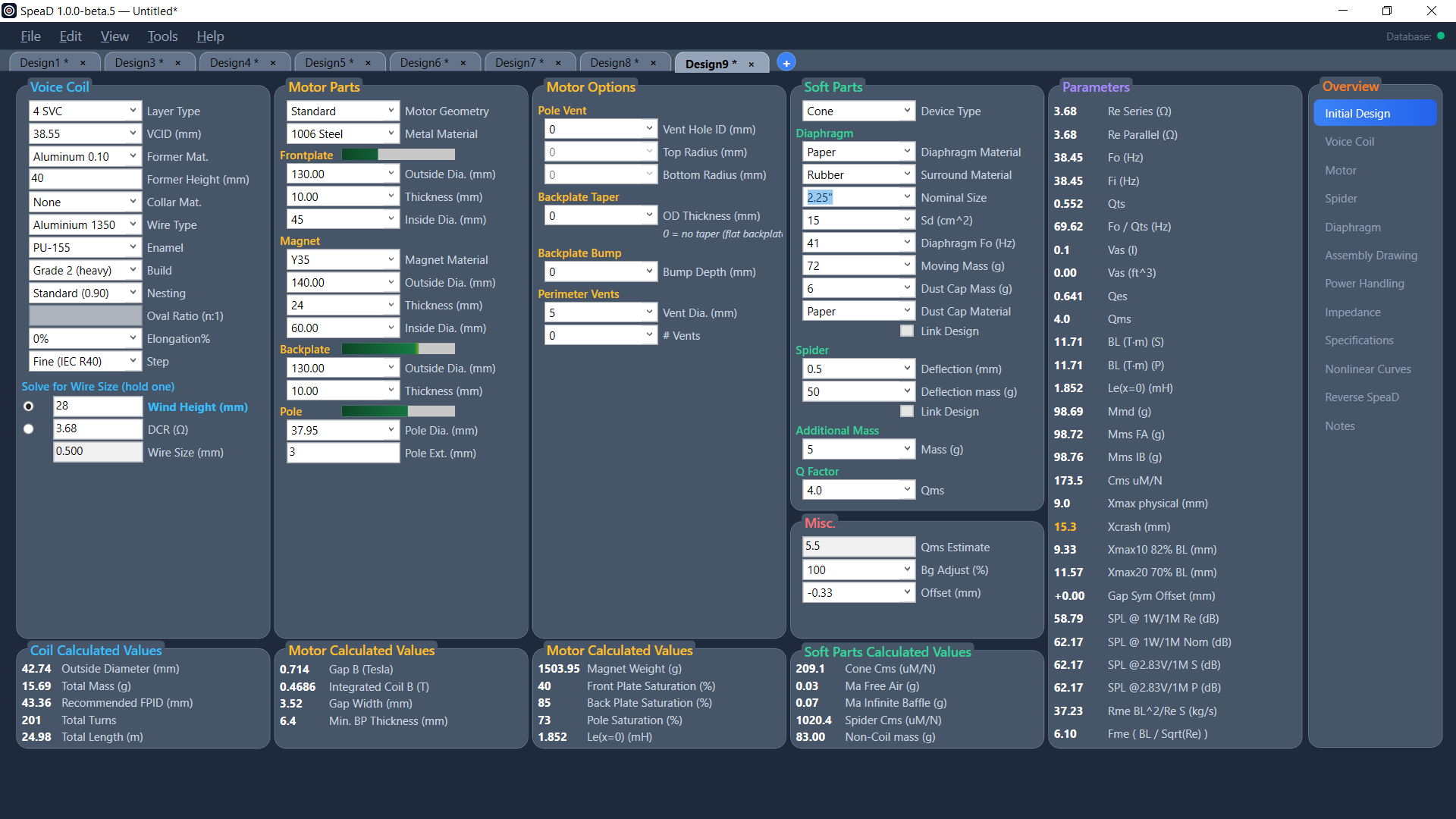
The Nominal Size list in the Soft Parts panel on Initial Design is built from the Cone Sizes table in the Data Manager. Every row with Show ticked is offered, from every category, smallest Sd first, with Custom Sd at the end. Choosing a size writes that row’s Sd into the Sd box. The same list feeds the Cone Size box on the Diaphragm page.
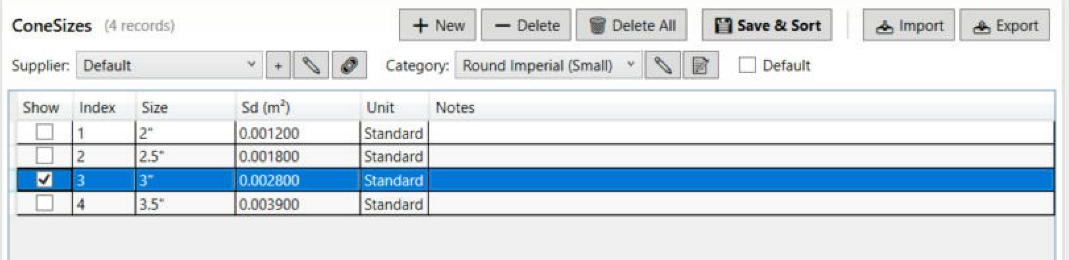
As supplied, only the round inch sizes from 4″ to 18″ are shown. The database also holds 2″ to 3.5″, 21″ and 23″, metric round sizes, ovals, rectangles and tweeter sizes, all hidden until you tick them.
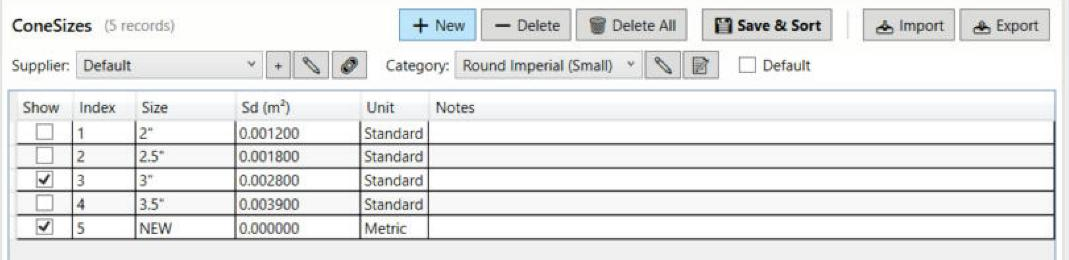
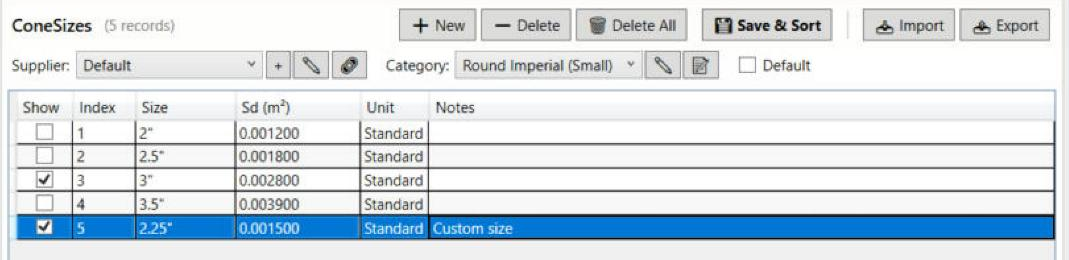
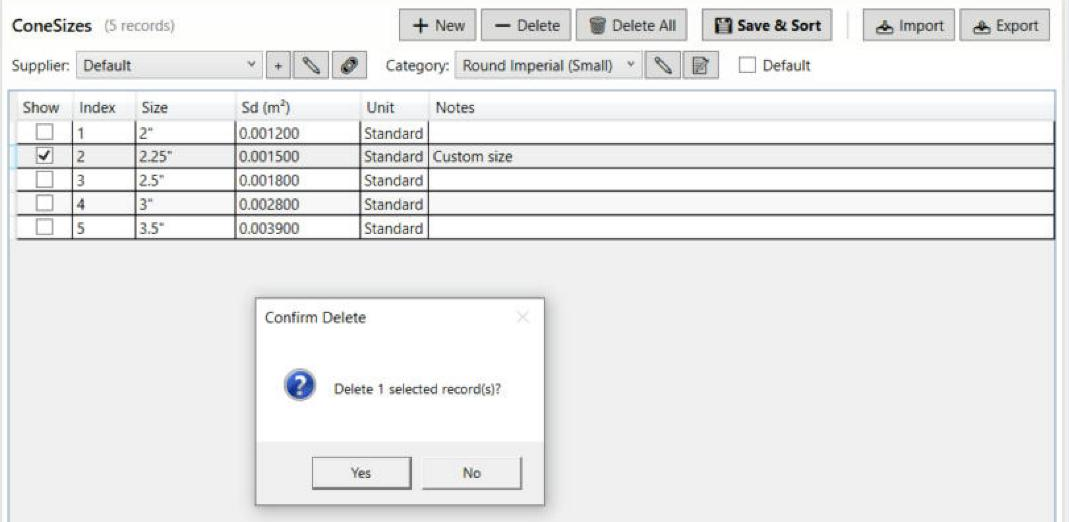
You will change the database, not a design. A design keeps its own Sd whatever you do in the Data Manager afterwards. The example in this tutorial is a 2.25″ driver.