SpeaD 1.0 · Data Manager
Data Manager
The companion application that owns SpeaD’s database — materials, sizes, and what appears in the dropdowns.
The vocabulary of the whole program
The SpeaD Data Manager is a separate application, installed alongside SpeaD, that owns the database SpeaD reads: every material, every preset size, every winding architecture SpeaD can offer. Tables are grouped the way the design pages are — Voice Coil, Motor Parts, Soft Parts and Materials.
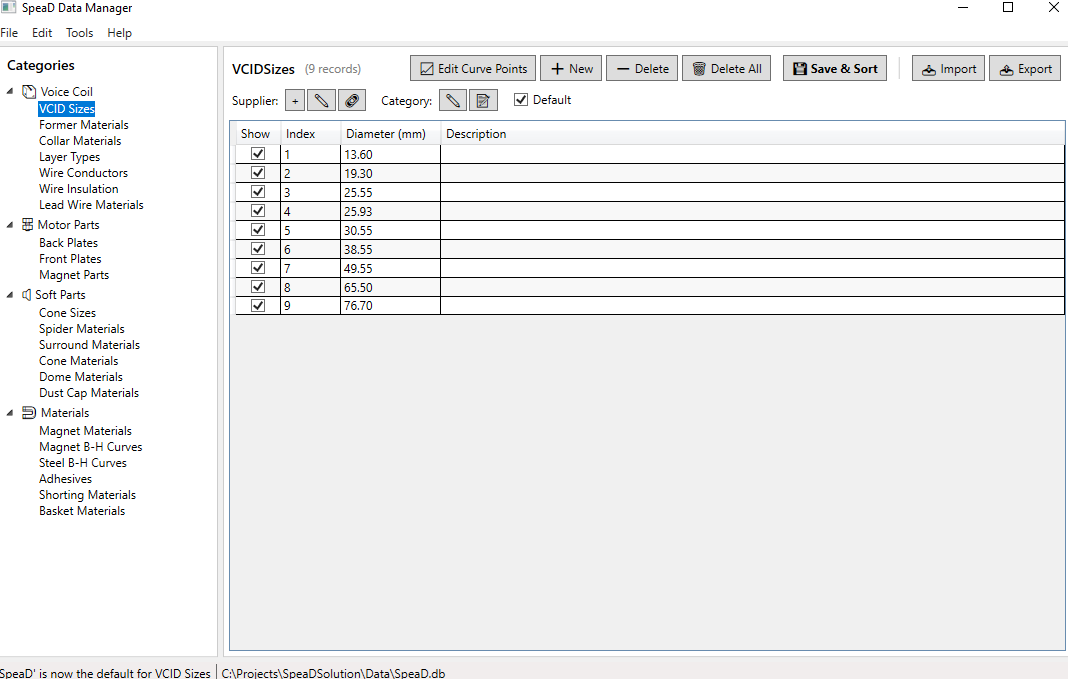
Show what your line can build
Every dropdown in SpeaD is filled from a Data Manager table, and every table has a Show column. Untick a row and it stays in the database with its data intact, but SpeaD stops offering it. A factory can carve SpeaD down to what it actually builds — the conductors it stocks, the formers it can buy, the layer types its winders wind — and turn it all back on later. Hiding a row never alters a design that already uses it.
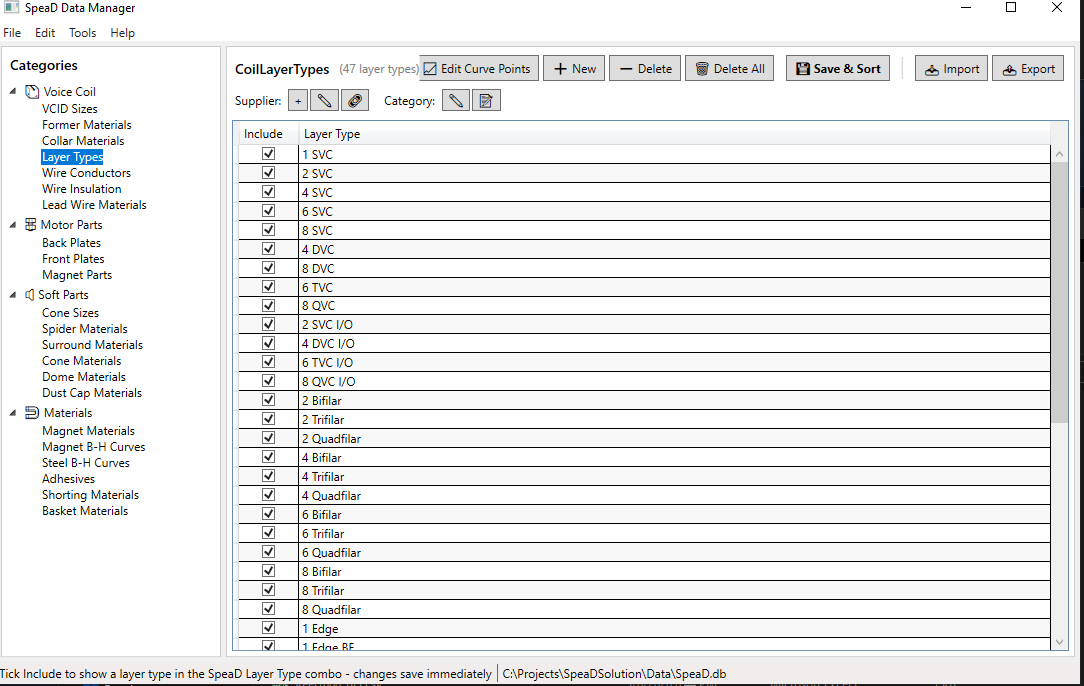
Add your own sizes and materials
Add cone sizes with their Sd, preset coil diameters, former and collar materials, conductors, enamels and lead wires. Changes reach SpeaD as soon as the Data Manager closes, with no restart. The tutorial Adding Cone Sizes walks through it step by step.
Read the Data Manager chapter of the SpeaD Owner’s Manual for every control on the page.